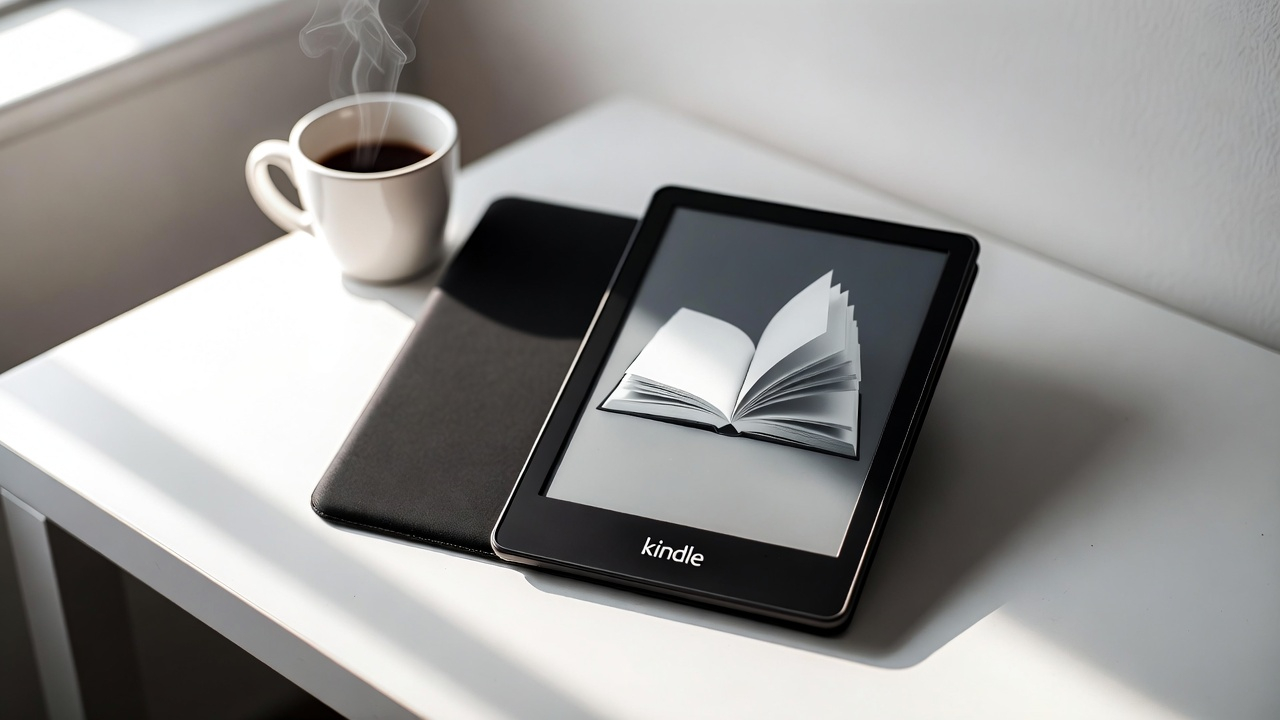
The Amazon Kindle Paperwhite has earned its reputation as the go-to e-reader for book lovers. But with multiple Kindle models available and tablets offering similar features, does the Paperwhite justify its price tag? After examining its features, performance, and real-world value, here’s everything you need to know.
The Paperwhite represents Amazon’s middle-ground option—more advanced than the basic Kindle, yet more affordable than the premium Oasis. It strikes a balance that works for most readers, offering enough features to enhance your reading experience without unnecessary bells and whistles.
What Makes the Kindle Paperwhite Stand Out
The Display: Bigger and Better Than Ever
The 2024 Kindle Paperwhite features a 7-inch glare-free display with 300 pixels per inch (PPI). This screen size represents an upgrade from the previous 6.8-inch model, giving you more reading real estate without adding bulk.
The display uses e-ink technology that mimics the appearance of actual paper. Unlike backlit screens on phones or tablets, you can read for hours without eye strain. The glare-free surface means you can read comfortably in bright sunlight—something that’s nearly impossible with traditional screens.
Page turns are now 25% faster than previous models, making the reading experience smoother and more responsive. This might seem like a minor improvement, but it makes a noticeable difference during long reading sessions.
Adjustable Warm Light for Any Time of Day
The Paperwhite includes an adjustable warm light feature that shifts the screen from cool white to a warmer amber tone. This matters more than you might think.
Blue light from screens can disrupt your sleep patterns, especially when reading before bed. The warm light option reduces blue light exposure, making nighttime reading gentler on your eyes and less likely to interfere with sleep.
You can adjust both the brightness and warmth independently, giving you complete control over your reading environment. Whether you’re reading in a dimly lit bedroom or bright outdoor setting, you can customize the display to match.
Battery Life That Actually Lasts
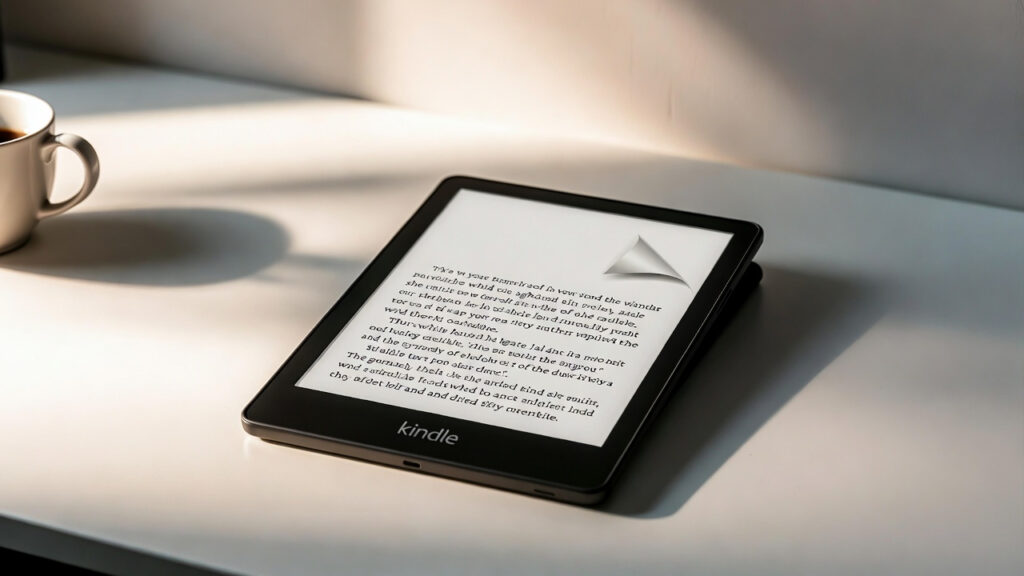
Amazon claims the Paperwhite delivers up to 12 weeks of battery life on a single charge. That estimate assumes about 30 minutes of reading per day with wireless off and the light setting at 13.
Real-world usage confirms these numbers hold up well. Multiple users report going weeks between charges, even with regular daily use. One reviewer noted reading “4-6 hours per day for 7 days straight” and still having 57% battery remaining.
This extended battery life sets the Paperwhite apart from tablets and smartphones that require daily charging. You can take the device on long trips without worrying about finding a power outlet.
The Paperwhite charges via USB-C, which is now the standard for most devices. This means you can use the same cable for your Kindle, phone, and other electronics—one less charger to pack.
Waterproof Protection for Worry-Free Reading
The Paperwhite carries an IPX8 waterproof rating. In practical terms, this means it can survive immersion in up to 2 meters of fresh water for 60 minutes, or 0.25 meters of seawater for up to 3 minutes.
This protection covers you in multiple scenarios. You can read in the bathtub without fear of water damage. Beach reading becomes less stressful when a splash of seawater won’t ruin your device. One user reported spilling “an entire 32oz water bottle on it with no damage whatsoever.”
The waterproofing gives you peace of mind to read anywhere without constantly worrying about protecting your device.
Storage: How Much Do You Really Need?
The standard Paperwhite comes with 16GB of storage, which holds thousands of books. Unless you’re downloading audiobooks or storing large graphic novels, 16GB provides more than enough space.
For reference, the average e-book takes up about 1-2MB of storage. Even with operating system files, you could store over 5,000 books on a 16GB device. Most readers will never come close to filling this capacity.
The Signature Edition offers 32GB if you want extra storage, but for most users, the standard 16GB model provides plenty of room.
Comparing Kindle Models: Which One Fits Your Needs?
Kindle Paperwhite vs. Basic Kindle
The basic Kindle costs about $50 less than the Paperwhite but makes several compromises. The smaller 6-inch screen has the same 300 PPI resolution, but the reduced size means less text per page.
More importantly, the basic Kindle lacks the adjustable warm light feature. If you read at night or want to minimize blue light exposure, this missing feature becomes significant.
The basic Kindle is lighter and more compact, making it slightly easier to hold for extended periods. It’s a solid choice for casual readers who primarily read during the day and want to save money.
The Paperwhite offers better value for regular readers. The larger screen, warm light, waterproofing, and longer battery life (12 weeks vs. the basic Kindle’s shorter lifespan) justify the additional cost.
Kindle Paperwhite vs. Kindle Oasis
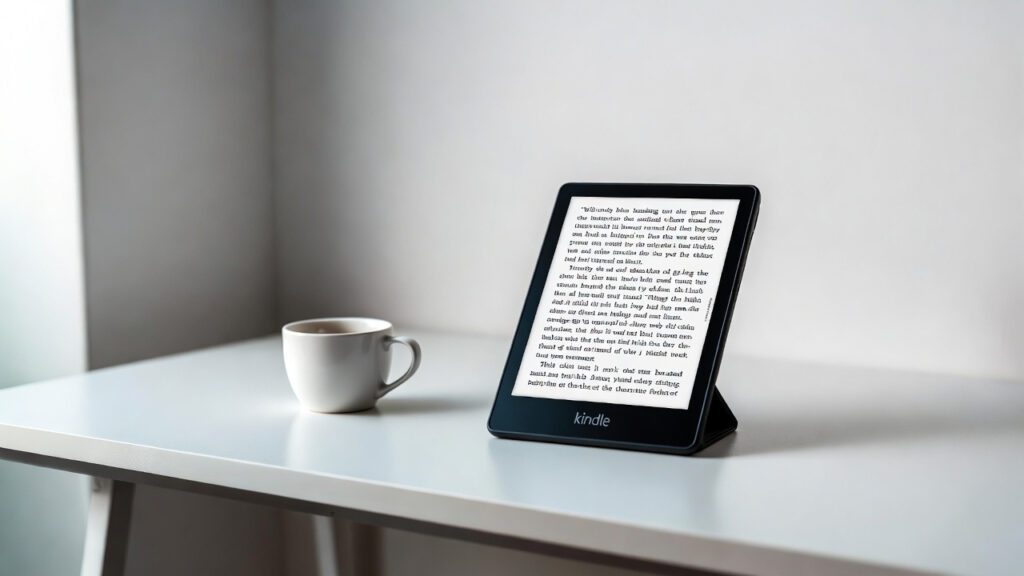
The Kindle Oasis represents Amazon’s premium offering, priced at $249.99. It features a 7-inch display (same size as the current Paperwhite) and includes physical page-turn buttons.
The Oasis has an asymmetric design that’s easier to hold one-handed, and it includes an auto-rotating display. However, battery life suffers—users report needing to charge every 5-7 days compared to the Paperwhite’s weeks-long endurance.
The Oasis uses a micro-USB charging port rather than USB-C, which feels outdated. For most readers, the Paperwhite delivers similar functionality at a significantly lower price.
Kindle Paperwhite vs. Paperwhite Signature Edition
The Signature Edition costs $40 more than the standard Paperwhite and adds three features: 32GB storage (double the standard model), wireless charging, and an auto-adjusting front light that adapts to ambient lighting.
The auto-adjusting light is convenient but not essential—manually adjusting brightness takes seconds. Wireless charging is nice to have but doesn’t dramatically change the user experience given the long battery life.
Unless you specifically want wireless charging or need extra storage for audiobooks, the standard Paperwhite offers better value.
The Kindle Ecosystem: More Than Just Books
Kindle Unlimited: All-You-Can-Read for $12/Month
Kindle Unlimited gives you access to over 2 million titles for $12 per month. The service includes books, audiobooks, and magazines. Amazon offers a 30-day free trial so you can test it risk-free.
For heavy readers, Kindle Unlimited pays for itself quickly. Reading just two or three books per month typically exceeds $12 in purchase costs. The selection includes many popular titles, though bestsellers and new releases aren’t always available.
The Paperwhite integrates seamlessly with Kindle Unlimited. Books download directly to your device, and the interface makes browsing the catalog straightforward.
Audible Integration for Audiobooks
The Paperwhite supports Audible audiobooks through Bluetooth connectivity. You can pair wireless headphones or speakers and listen to your books hands-free.
Battery life decreases noticeably when streaming audiobooks—Amazon notes that “Audible audiobook streaming over Bluetooth will reduce battery life.” Still, having the option adds flexibility to your reading routine.
You can switch between reading and listening to the same book, with your progress syncing automatically. This works well for people who read at home and listen during commutes.
Real-World Performance: What Users Are Saying
Customer reviews consistently praise the Paperwhite’s portability, performance, and battery life. The device earned a 4.9 out of 5 rating from over 1,100 reviews on Best Buy.
Users appreciate the glare-free display and lightweight design. Multiple reviewers mention carrying the Paperwhite everywhere because it fits easily in bags and purses.
The main complaints center on the user interface feeling “a little clunky” compared to smartphone apps, and the Kindle store being harder to navigate on the device than on Amazon’s website. Some users wish they could archive books instead of deleting them entirely.
The price draws mixed reactions. While many consider it a worthwhile investment, some find it expensive for a single-purpose device when tablets offer more versatility.
Pros and Cons for Different Types of Readers
Heavy Readers
Pros:
- Extended battery life means less frequent charging
- Adjustable warm light reduces eye strain during long sessions
- Large storage capacity handles extensive libraries
- Waterproofing allows reading anywhere without worry
Cons:
- Initial cost is higher than buying physical books short-term
- Limited to Amazon’s ecosystem for most purchases
Casual Readers
Pros:
- Compact and portable for occasional reading
- No distractions from notifications or apps
- Battery lasts weeks between uses
- Access to millions of books without storing physical copies
Cons:
- Price might be hard to justify for light usage
- Basic Kindle offers similar core features for less money
Nighttime Readers
Pros:
- Warm light option reduces blue light exposure
- Adjustable brightness works in any lighting condition
- E-ink display causes less eye fatigue than backlit screens
Cons:
- None specific to nighttime reading—this is where the Paperwhite excels
Is the Kindle Paperwhite Worth the Investment?
The Kindle Paperwhite delivers exceptional value for regular readers. The combination of a large, high-resolution display, adjustable warm lighting, waterproof construction, and weeks-long battery life creates an experience that paper books and tablets can’t match.
At $159.99, the Paperwhite costs less than 10-15 hardcover books. If you read more than a book or two per month, the device pays for itself through cheaper e-book prices and access to services like Kindle Unlimited.
The Paperwhite works best for people who read frequently and want a dedicated device without the distractions of a tablet. If you only read occasionally or primarily listen to audiobooks, the basic Kindle or a tablet might serve you better.
For everyone else, the Kindle Paperwhite represents the sweet spot in Amazon’s lineup—premium enough to enhance your reading experience without the unnecessary features that drive up the Oasis’s price. It’s a device that disappears into the background, letting you focus on what matters: the story you’re reading.