Imagine being able to seamlessly switch between devices while enjoying your favorite books. Digital reading has made this possible. You can read ebooks on e-readers, tablets, smartphones, desktops, and laptops. All thanks to different Ebook Reader apps.
Reading on any device is a big change for book lovers. Whether you’re on the go, traveling, or at home, you can continue reading where you left off. This is thanks to many ebook reader apps. They meet different reading needs and work with various devices.
Understanding Ebooks: What You Need to Know
Getting into ebooks means knowing what they are and the formats they come in. Ebooks are digital books you can read on devices like Ebook Readers, tablets, and smartphones.
Definition of an Ebook
An ebook is a digital file with a book’s text, images, and layout. You can change font sizes, brightness, and background color to fit your taste. Ebooks are in different formats, each with its own features and compatibility.
Popular Ebook Formats
There are many ebook formats, each suited for specific devices or apps. Here are some common ones:
- EPUB: Works on most ebook readers and apps, except Amazon’s Kindle.
- MOBI: Best for Amazon Kindle users, as it’s made for their devices and apps.
- PDF: Keeps the book’s layout and design, great for complex books.
- AZW3: Exclusive to Amazon Kindle, offering advanced features.
| Ebook Format | Compatibility | Key Features |
|---|---|---|
| EPUB | Most ebook readers and apps | Reflowable text, adjustable font sizes |
| MOBI | Amazon Kindle devices and apps | Supports DRM, compatible with Kindle features |
| All devices and platforms | Preserves original layout, suitable for complex designs | |
| AZW3 | Amazon Kindle devices | Advanced typography and layout support |
Knowing about ebook formats and their compatibility is key for a good reading experience. Whether you use a dedicated Ebook Reader or an app on your phone, picking the right format is important.
Choosing the Right Device for Reading Ebooks
There are many devices for reading ebooks, each with its own benefits. You can read ebooks on e-readers, tablets, smartphones, desktops, and laptops. Knowing the strengths and weaknesses of each will help you pick the best one for your reading needs.
Reading on E-Readers
E-readers are made just for reading. They are light, have long battery life, and feel like paper. Most e-readers have e-ink displays that are easy on the eyes, perfect for long reading sessions.
Popular e-reader brands include Amazon Kindle and Kobo. These devices support many ebook formats and have big ebook stores. But, they might not do much else besides reading.
Using Tablets and Smartphones
Tablets and smartphones are great for reading ebooks. They have many apps and functions in one place. You can download ebook reader apps like Amazon Kindle, Apple Books, or Google Play Books to start reading.
One big plus of tablets and smartphones is their backlit displays. They let you read in different lighting conditions. But, reading on them for a long time can hurt your eyes because of the screen’s glare.
Desktop and Laptop Options
Desktops and laptops are good for reading ebooks, especially if you like reading on a bigger screen or need to do other things at the same time. You can use ebook reader software or apps on these devices, making reading easy.
Reading on desktops or laptops has its perks. You can easily change font sizes, use bookmarks, and access more ebooks. But, these devices are not as portable as e-readers or tablets.
When picking a device for reading ebooks, think about your reading habits, the size of the screen you prefer, and if you need extra features like note-taking or internet browsing. Choosing the right device can make your ebook reading experience better.
- E-readers: Best for dedicated reading, lightweight, and long battery life.
- Tablets and Smartphones: Versatile, backlit displays, and multifunctional.
- Desktops and Laptops: Larger screens, adjustable font sizes, and access to a broader range of ebooks.
How to Download Ebooks on Various Devices
Whether you love reading or are just starting, it’s key to know how to download ebooks. You can get ebooks from stores, libraries, and apps. This makes reading easy and fun.
Ebooks for E-Readers
To get ebooks on an e-reader, go to the device’s store. For example, Amazon’s Kindle store lets you find and download ebooks to your Kindle.
- Connect your e-reader to Wi-Fi
- Access the ebook store on your device
- Browse or search for your desired ebook
- Click “Buy” or “Download” to add the ebook to your library
Ebooks for Mobile and Tablet Apps
For mobile and tablet devices, use apps to download ebooks. For example, the Amazon Kindle app works on iOS and Android. It lets you find and download ebooks.
- Download and install an ebook reader app on your device
- Sign in with your account credentials
- Browse the app’s ebook selection or search for a specific title
- Tap “Download” to save the ebook to your device
Downloading via a Computer
You can also download ebooks to your computer. Use sites like Google Play Books or Apple Books. Just visit, sign in, and find ebooks to download.
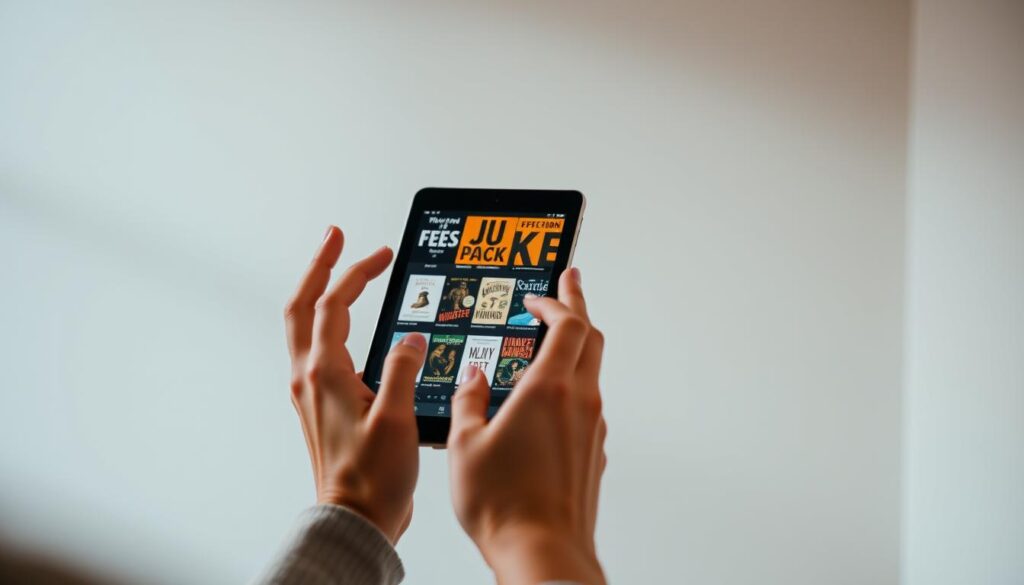
By following these steps, you can easily download ebooks on different devices. This way, you can enjoy reading on various platforms.
Best Ebook Reader Apps for Different Platforms
Finding the right ebook reader app can really improve your reading. There are many choices out there. It’s important to pick one that fits your reading style and device.
Amazon Kindle App
The Amazon Kindle app is very popular. It works on Android, iOS, and Windows. You can read your Kindle books, download new ones, and adjust the text and background.
Key Features:
- Access to Amazon’s vast ebook store
- Syncing across devices
- Personalized recommendations
- Support for various ebook formats
Apple Books
Apple Books is great for iOS users. It has features like Night mode and adjustable font sizes. You can also buy ebooks from the Apple Books store.
Key Features:
- Integration with iCloud for syncing
- Support for various ebook formats
- Customizable reading settings
- Access to the Apple Books store
Google Play Books
Google Play Books works on Android and iOS. It has a big selection of ebooks, including bestsellers and classics. You can also upload your own ebooks.
Key Features:
- Access to Google Play’s ebook store
- Support for uploading personal ebooks
- Customizable reading settings
- Syncing across devices
Kobo App
The Kobo app is available on many platforms. It has a wide range of ebooks and features like reading statistics and personalized recommendations.
Key Features:
- Access to Kobo’s ebook store
- Reading statistics and goals
- Customizable reading settings
- Support for various ebook formats
Here’s a comparison of these ebook reader apps:
| App | Platforms | Ebook Store | Customization |
|---|---|---|---|
| Amazon Kindle | Android, iOS, Windows | Amazon | Yes |
| Apple Books | iOS | Apple Books | Yes |
| Google Play Books | Android, iOS | Google Play | Yes |
| Kobo | Android, iOS, Windows | Kobo | Yes |
Syncing Your Ebooks Across Devices
Ebook syncing lets you access your library and reading progress from any device. It’s great for those who read on different platforms, like e-readers, tablets, and smartphones.
Importance of Cloud Storage
Cloud storage is key for ebook syncing. It keeps your ebooks and reading progress online, so you can access them from any device with internet. This way, you can start reading on one device and continue on another without transferring files or remembering where you left off.
Cloud storage offers many benefits for ebook readers:
- Access to your ebook library from any device
- Automatic syncing of reading progress
- Backup of your ebook collection
How to Sync Your Reading Progress
Syncing your reading progress is easy through your ebook reader app or platform. Most popular ebook services, like Amazon Kindle, Apple Books, and Google Play Books, have syncing features.
To sync your reading progress:
- Make sure you’re logged into the same account on all devices.
- Ensure your devices are connected to the internet.
- Open your ebook reader app and check that syncing is on.
- Start reading on one device, and your progress will be synced across all devices.
By following these steps, you can enjoy a seamless reading experience across multiple devices.
Tips for Enhancing Your Ebook Reading Experience
Improving your ebook reading experience is easy with a few tweaks. Ebook reader apps have features to make reading more comfortable and fun. Adjusting settings and using these features can create a personalized reading space that fits your style.
Adjusting Font Sizes and Backgrounds
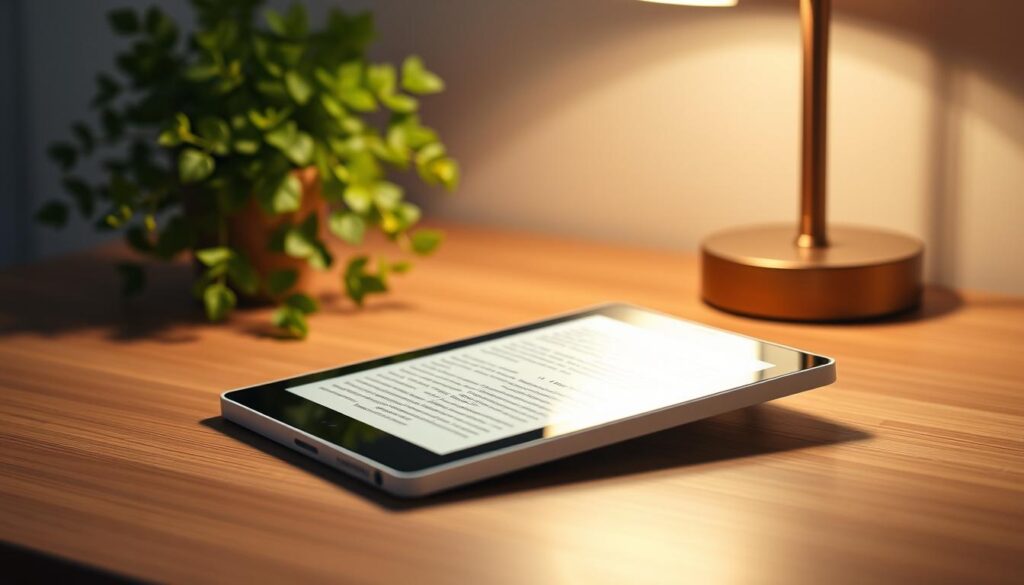
Changing the font size and background color is a simple way to enhance your reading. Most ebook reader apps let you adjust these settings to your liking. For example, you can increase the font size to ease eye strain or switch to a sepia tone or night mode for different reading environments.
Using Bookmarks and Annotations
Bookmarks and annotations are great for diving deeper into what you’re reading. You can bookmark important pages to come back to them and annotate text to jot down your thoughts. These tools help you remember key points and reference important information.
Night Mode for Reading Comfort
Many ebook readers have a night mode that adjusts the screen for easier reading in the dark. This feature reduces blue light emission, helping you sleep better. Night mode lets you read for longer without eye strain.
By following these tips, you can make your ebook reading experience better. It becomes more enjoyable and tailored to your preferences.
Troubleshooting Common Ebook Issues
As an ebook reader, you might face several challenges. But knowing how to troubleshoot them can make your reading better. Ebook issues can include format problems, syncing issues, and error messages during download. Luckily, many of these problems have easy fixes.
Format Compatibility Problems
Format compatibility is a common issue for ebook readers. Not all ebooks work on every device. For example, an ebook in AZW format might not work on non-Amazon devices. To solve this, you can convert your ebooks to formats like EPUB or PDF that work on more devices.
Conversion Tips:
- Use software like Calibre to convert ebooks.
- Check if your ebook reader app supports multiple formats.
| Ebook Format | Compatible Devices | Conversion Recommendation |
|---|---|---|
| AZW | Amazon Kindle | Convert to EPUB or PDF for wider compatibility |
| EPUB | Most eReaders except Amazon Kindle | No conversion needed, widely supported |
| Almost all devices | No conversion needed, but may require zooming |
Syncing Issues Across Devices
Syncing issues can be frustrating, especially when you’re in the middle of a chapter. Make sure you’re logged into the same account on all devices. Most ebook reader apps, like Amazon Kindle or Apple Books, sync your reading progress across devices via cloud storage.
Syncing Tips:
- Make sure you’re connected to the internet.
- Check that your devices are synced to the same cloud account.
- Restart your device if syncing doesn’t occur automatically.
Error Messages During Download
Error messages while downloading ebooks can be caused by poor internet or issues with the ebook store. Try restarting your download or checking your internet connection.
Download Troubleshooting:
- Ensure your device is connected to a stable internet connection.
- Try downloading the ebook again.
- If issues persist, contact the ebook store’s customer support.
Exploring Additional Resources for Ebooks
Looking for new ebooks can be fun, thanks to many online resources. If you love reading ebooks, you’re always searching for more great stories. With an Ebook Reader or another device, finding ebooks is now easy.
Online Libraries and Free Resources
Online libraries offer free ebooks, helping you grow your digital library without spending money. Some top places include:
- Project Gutenberg, with over 60,000 free classics.
- ManyBooks, offering a wide range of free ebooks in different genres.
- Your local library’s digital collection, with ebooks you can borrow.
These sites are great for finding new books or authors without spending money. You can read them on your Ebook Reader or a reading app.
Subscription Services for Ebooks
If you read a lot, subscription services can save you money. They give you access to many ebooks. Here are some popular ones:
| Service | Description | Cost |
|---|---|---|
| Kindle Unlimited | Over a million ebooks to choose from. | $9.99/month |
| Scribd | Wide selection of ebooks and audiobooks. | $8.99/month |
| Kobo Plus | Large ebook collection for Kobo devices or apps. | $9.99/month |
These services are perfect for ebook resources. They make it easy to find new authors and genres. You can manage your subscriptions and reading lists on different devices, making it easy for any Ebook Reader user.
Using these resources can make your ebook reading better. You can find new books and authors easily. Whether you use free libraries or subscription services, ebooks are just a click away.
Staying Updated on Ebook Trends
The ebook world is changing fast, thanks to new tech and what readers want. As someone who loves ebooks, knowing the latest news can make your reading better.
New Technologies in Ebook Publishing
New tech is making ebooks more fun. Things like augmented reality (AR) and artificial intelligence (AI) are being used. Google Play Books and Apple Books are using these to make reading more interactive.
Popular Genres and Bestselling Authors
Some genres, like romance and thriller, are big in ebooks. Famous authors like Stephen King and Jane Austen are still loved. But new writers are also catching people’s attention.
Keeping up with ebook trends can make your reading better. You’ll find new books and authors that you’ll enjoy. Whether you read a lot or just a little, knowing what’s new can make your reading more exciting.