
Ready to grow your digital library? Ordering ebooks is now super easy, thanks to Amazon’s simple interface.
To start reading, you first need to buy Kindle ebooks. This is easy and can be done in a few steps, no matter your Kindle model.
First, make sure your device is connected to your Amazon account. If you’re using the Kindle app, go to the Amazon website through a browser to buy. This guide will show you how to set up your device and get to the Kindle Store. Then, you can start ordering books.
Overview of Kindle and Digital Books
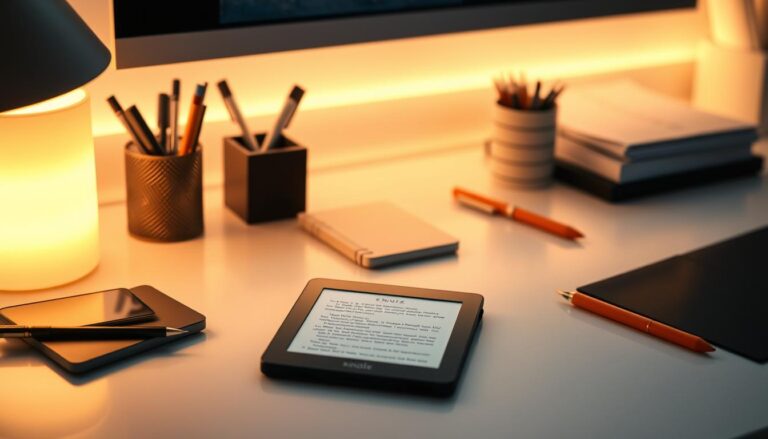
Amazon’s Kindle has changed how we read, letting us carry a whole library in our hands. This e-reader, made by Amazon, lets users access lots of digital books, newspapers, and more.
What is Kindle?
Kindle is an e-reader device for reading digital content. It’s made to be portable, light, and simple to use. This makes it perfect for book lovers. With a Kindle, you can keep hundreds of books, switch between them easily, and adjust font sizes for a better reading experience.
Benefits of Reading on Kindle
Reading on Kindle has many advantages, like convenience, access to a vast library, and customizable reading settings. A single Kindle can clear out your bookshelves, putting all your favorite books in your hands.
| Feature | Description | Benefit |
|---|---|---|
| Portability | Lightweight and compact design | Easy to carry around |
| Storage | Holds hundreds of books | Reduces clutter |
| Customization | Adjustable font sizes and lighting | Enhances reading comfort |
The Kindle offers more than just convenience. It’s made for a comfortable reading experience. It has built-in lights for reading in the dark and adjustable font sizes for everyone’s preference.
Setting Up Your Kindle Account
The first step to buy books on Kindle is to set up your Amazon account. This is easy and lets you get into the Kindle Store. Once your account is ready, you can start reading your favorite books on your Kindle.
Creating an Amazon Account
If you don’t have an Amazon account, start by creating one. You’ll need to give some basic info like your name, email, and a password. You can make an account on the Amazon website or right on your Kindle.
Linking Payment Methods
Next, link a payment method to your Amazon account. You can use a credit or debit card, or other payment options. Having a payment method ready lets you buy ebooks from the Kindle Store easily.
Managing Your Kindle Devices
It’s important to manage your Kindle devices to sync your ebook purchases. You can add many Kindles to your Amazon account. This makes it simple to read on any device. To manage your devices, go to your Amazon account settings and find the “Manage Your Content and Devices” section.
| Device Management Task | Description | Steps to Follow |
|---|---|---|
| Registering a Kindle | Link your Kindle to your Amazon account | 1. Go to Amazon account settings 2. Click on “Manage Your Content and Devices” 3. Register your Kindle |
| Deregistering a Kindle | Remove a Kindle from your Amazon account | 1. Go to Amazon account settings 2. Click on “Manage Your Content and Devices” 3. Deregister the device |
Exploring Kindle Store
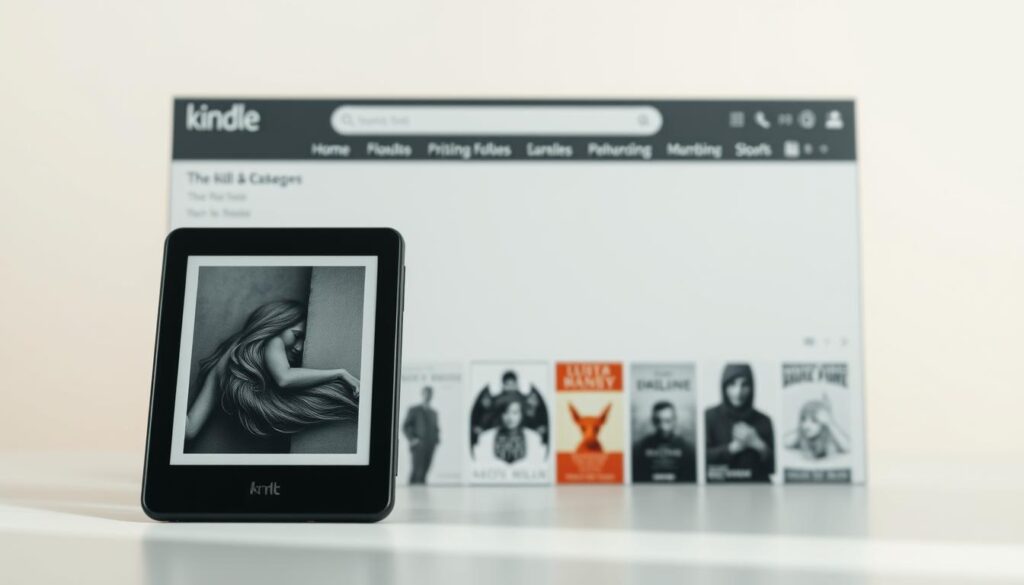
Exploring the Kindle Store is an adventure for book lovers. It offers recommendations tailored to individual tastes. The Kindle Store is Amazon’s digital bookstore, filled with ebooks in many categories and genres.
Navigating the Kindle Store Interface
The Kindle Store is easy to use, helping readers find their next great read. When you enter, you see a homepage with recommended titles based on your reading history. The interface is simple, with clear sections for bestsellers, new releases, and personalized recommendations.
- Browse through categories like Fiction, Non-fiction, and Children’s Books.
- Explore genres such as Romance, Mystery, Thriller, and Sci-Fi.
- Discover new authors and series.
Categories and Genres to Discover
The Kindle Store has a wide range of ebook categories and genres. Readers can explore:
- Fiction: Check out novels, short stories, and anthologies in different sub-genres.
- Non-fiction: Find books on biography, history, science, self-help, and more.
- Children’s Books: Discover engaging stories and educational content for kids.
Within these categories, many genres are waiting to be explored. Whether you’re looking for a romantic novel, a thrilling mystery, or an inspiring memoir, the Kindle Store has something for everyone.
How to Search for Books on Kindle
The search function on Kindle makes finding books easy. Whether you’re searching for a specific title or exploring different genres, Kindle’s search feature helps you find what you need.
Using the Search Function
To start, type in the Search Kindle box at the top of the page. You can look for a book or author by typing their name. Kindle will show you results that match what you’re looking for.
Tips for Effective Searching:
- Use specific keywords related to the book or author you’re searching for.
- Try different variations of the title or author’s name.
- Utilize quotes to search for exact phrases.
Filtering Results
After searching, Kindle offers filters to refine your results. You can filter by price, rating, and genre to find the best books.
Filtering Options:
| Filter | Description |
|---|---|
| Price | Filter books by price range, from free to paid titles. |
| Rating | Sort books by customer ratings to find highly-recommended titles. |
| Genre | Narrow down results by specific genres, such as fiction, non-fiction, mystery, etc. |
By learning how to use Kindle’s search and filters, you can easily find new books and authors that fit your reading tastes.
Purchasing Kindle Books
Buying a Kindle book is easy and fun. The Kindle Store makes it simple to start reading your new book quickly.
How to Add to Cart
To buy a Kindle book, you can add it to your cart or use 1-click buying. To add a book to your cart, tap on the book’s title and then tap “Buy now” or “Add to Cart”. With 1-click ordering, the book is bought instantly, and you can start reading right away.
Steps to Add to Cart:
- Navigate to the book’s page
- Tap “Add to Cart”
- Review your cart before finalizing the purchase
Tips for Smart Purchasing
Smart purchasing on Kindle means a few things. Here are some tips to improve your buying experience:
- Check Reviews: Reading reviews can give you insights into the book’s quality and content.
- Compare Prices: Compare ebook prices with paperback or audiobook versions to find the best deal.
- Consider Recommendations: Look for recommendations from Kindle or other readers to find new authors or genres.
Here’s a comparison table of popular ebook retailers to help you make informed choices:
| Retailer | Ebook Selection | Pricing | 1-Click Ordering |
|---|---|---|---|
| Kindle Store | Extensive | Competitive | Yes |
| Other Retailers | Varies | Varies | No |
By following these tips and understanding the purchasing process, you can make the most of your Kindle buying experience. Enjoy your ebooks with ease.
Understanding Kindle Book Formats
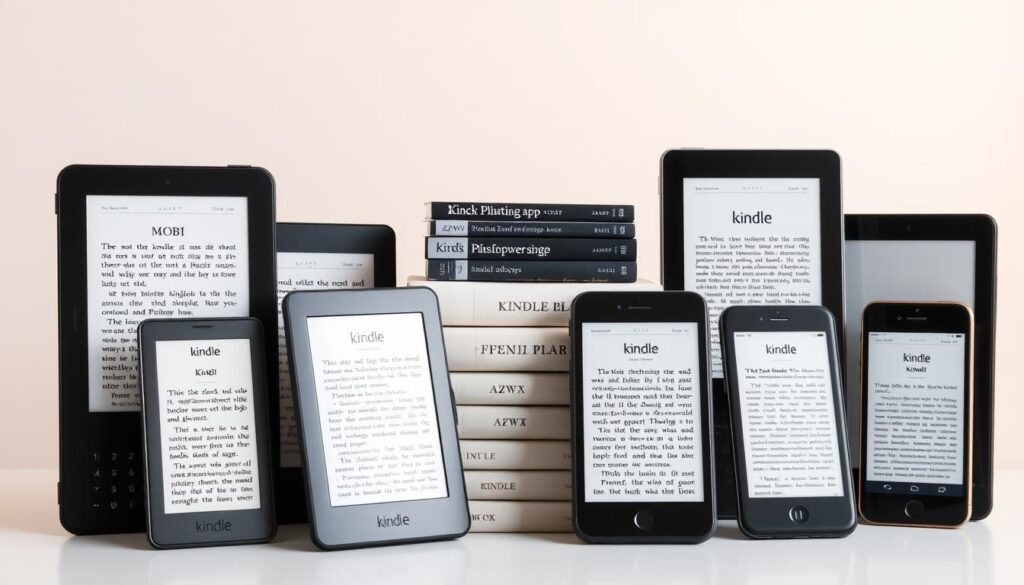
Kindle book formats are different from other ebook formats. Knowing these differences is key for a great reading experience. Amazon’s Kindle ebooks use a special format that might not work with other devices.
Key Differences Between Formats
Kindle’s format and EPUB are not the same. EPUB works on many ebook readers, but Kindle’s format is made just for Amazon. This gives Kindle users a special reading experience.
Key features of Kindle’s format include:
- Enhanced formatting options for a better reading experience
- Integration with Amazon’s services, such as Goodreads and Whispersync
- Support for features like bookmarks, notes, and highlights
But, Kindle ebooks might not work on non-Kindle devices. If you like to read on different platforms, you should think about this.
DRM and Its Impact on Purchases
Digital Rights Management (DRM) is important when buying ebooks, like Kindle ones. DRM helps protect ebooks from being shared or used without permission.
The impact of DRM on ebook purchases includes:
- Limitations on the number of devices you can read the ebook on
- Restrictions on copying or printing the ebook
- Potential issues with ebook compatibility across different platforms
Knowing about DRM helps you choose ebooks wisely. This way, you can read your books on your favorite devices.
Managing Your Kindle Library
Keeping your Kindle library organized is essential for a great reading experience. You can sort your ebooks into collections or folders. Also, make sure your library is up to date on all your devices.
Organizing Purchased Books
Sorting your bought books is easy. You can make collections or folders. This way, you can group your ebooks by genre, author, or any other way you like.
Deleting Unwanted Titles
To get rid of books you don’t want, go to your Kindle library. Pick the book you want to delete and choose “Delete”. This will take the book off your device.
Here’s a comparison table to help understand the process of managing your Kindle library:
| Action | Description | Benefit |
|---|---|---|
| Organizing Books | Create collections or folders | Easy access to specific titles or genres |
| Deleting Titles | Remove unwanted ebooks | Frees up storage space on your device |
| Syncing Library | Ensure all devices are updated | Seamless reading experience across devices |
Book Recommendations and Reviews
Reading on Kindle is not just convenient. It also opens up a world of new books through its recommendation system. With a vast library at your fingertips, finding your next favorite book is easy.
How to Find Recommendations
Kindle gives you personalized book recommendations based on what you’ve read before. To find these, go to the “Recommended for You” section on your Kindle homepage or in the Kindle app. This section shows titles that fit your reading style, helping you find new authors and genres.
Steps to follow:
- Make sure you’re logged into your Amazon account.
- Go to your Kindle homepage or open the Kindle app.
- Find the “Recommended for You” section.
- Explore the suggested titles and authors.
Understanding User Reviews
User reviews are key in choosing a book. Kindle lets readers leave reviews for books they’ve bought. This gives you insights into the book’s content and quality. To see reviews, visit the book’s page on Amazon or in the Kindle Store.
Tips for evaluating reviews:
- Look for reviews that talk about what you like to read.
- Check the overall rating and how many reviews there are.
- Read both positive and negative reviews for a full picture.
By using Kindle’s recommendations and reading user reviews, you can improve your reading experience. You’ll find new books to love.
Free and Discounted Kindle Books
Exploring free and discounted ebooks on Kindle can really boost your reading fun. Amazon has many options for getting ebooks for free or at a lower price. It’s a great time to be a Kindle user.
Kindle Unlimited is a service that lets you read a huge library of ebooks for a fixed monthly fee. With over 3 million titles, you can read as many books as you want without extra costs.
Finding Free Books on Kindle
Finding free ebooks on Kindle is easy. Just visit the Kindle Store and look at the “Free” section. It has lots of titles, including public domain works and special offers.
To enjoy free ebooks, you can:
- Check out the “Top Free Books” list to find popular free ebooks.
- Explore different genres to find free ebooks that fit your tastes.
- Look for promotional offers from authors and publishers who often give away ebooks for free.
Utilizing Kindle Unlimited
Kindle Unlimited is a subscription service that gives you access to a huge library of ebooks. For a flat monthly fee, you can read as many ebooks as you want. It’s perfect for book lovers.
To get the most from Kindle Unlimited, try these tips:
- Explore different genres to find new authors and titles.
- Use the “Recommended for You” section to find ebooks based on your interests.
- Check the “New Releases” section to find the latest ebooks.
By using these tips, you can enjoy a wide range of ebooks with your Kindle Unlimited subscription.
Troubleshooting Ordering Issues
Ordering books on Kindle can sometimes be tricky. But, most problems can be fixed with a few simple steps or help from Amazon’s customer support.
Common Issues When Ordering
Users often run into payment errors, download failures, or trouble in the Kindle Store. Keeping your Amazon account and payment info current can help. You can also find troubleshooting guides on Amazon’s help pages for your specific problem.
Getting Customer Support from Amazon
If you can’t fix the issue yourself, Amazon’s customer support is here to help. You can reach out through Amazon’s website, phone, or live chat. It’s important to give them all the details about your problem, like any error messages or the book you’re trying to buy.
Getting help from customer support is crucial for a smooth Kindle book ordering process.